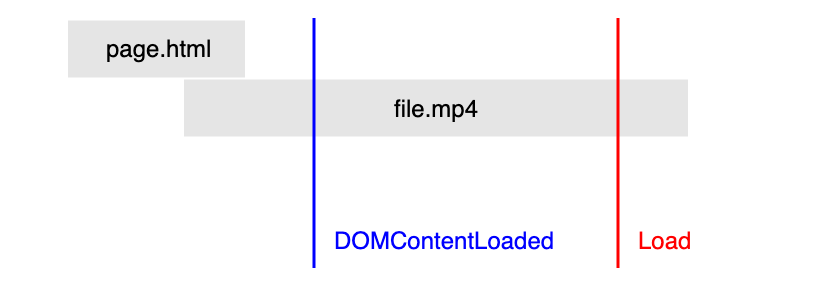
Enabling a video to playback instantly on your website can be achieved in various ways. Below is an example of fetching the first range of bytes and appending the data to the source buffer
const mediaSource = new MediaSource();
  video.src = URL.createObjectURL(mediaSource);
  mediaSource.addEventListener('sourceopen', sourceOpen, { once: true });

  function sourceOpen() {
    URL.revokeObjectURL(video.src);
    const sourceBuffer = mediaSource.addSourceBuffer('video/webm; codecs="vp09.00.10.08"');

    // Fetch beginning of the video by setting the Range HTTP request header.
    fetch('file.webm', { headers: { range: 'bytes=0-567139' } })
    .then(response => response.arrayBuffer())
    .then(data => {
      sourceBuffer.appendBuffer(data);
      sourceBuffer.addEventListener('updateend', updateEnd, { once: true });
    });
  }
The full article and source code can be found here
You may also be interested in learning how to implement push notifications onto a website. Read more and view source code